
Where your MCP server runs is a production decision
Transport looks like a technical detail during the demo. It is really a choice about ownership, reachability and trust.
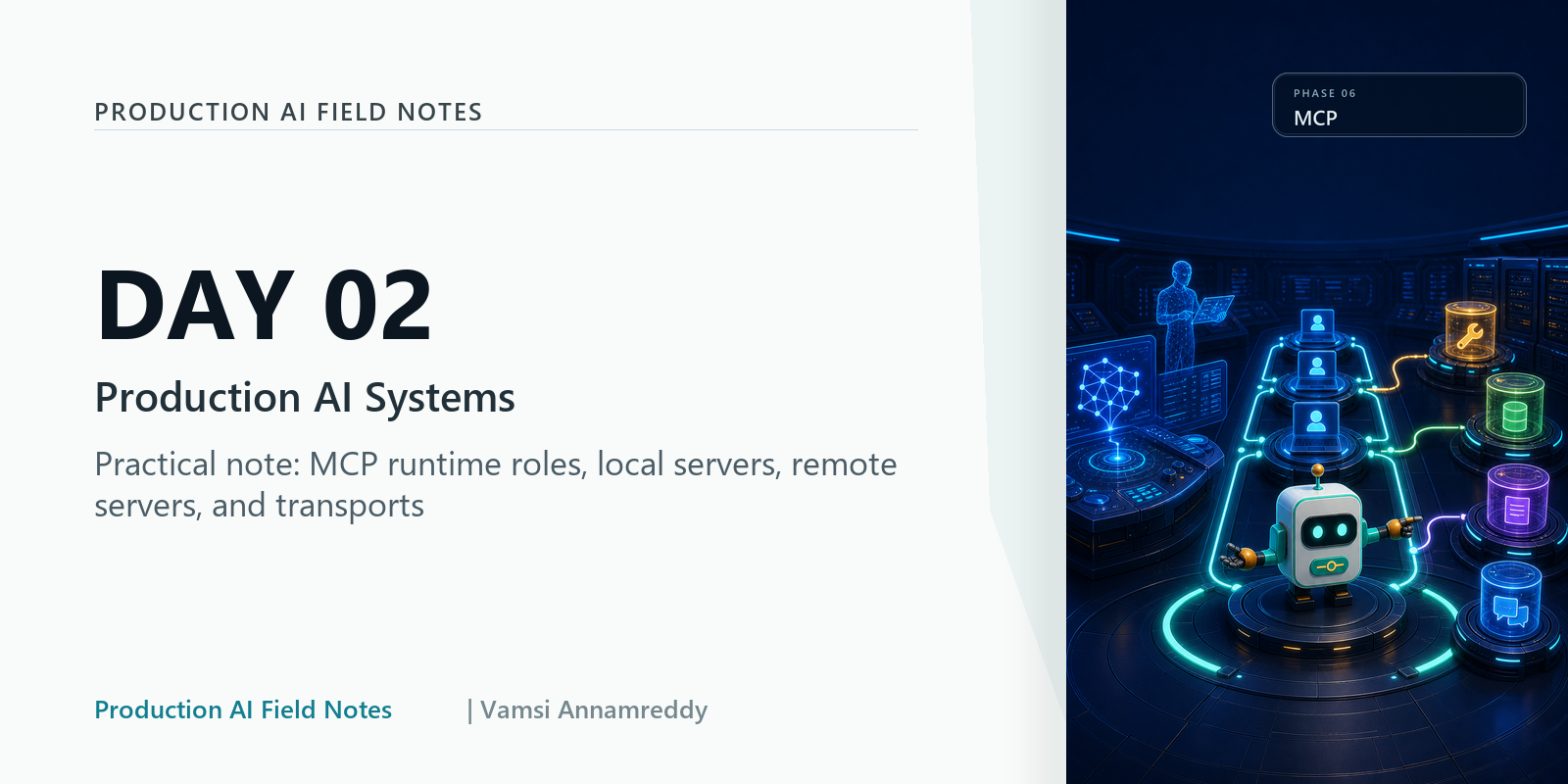
A local MCP server starts as a script on one laptop. Someone finds it useful. Six weeks later four people depend on it, it holds a long-lived database credential, and nobody has ever looked at a log.
Nothing about that progression is unusual. The problem is that the transport was chosen on day one for convenience, and it quietly became an architecture.
Local and remote are genuinely different products
A local server running over stdio is a subprocess. It inherits the user's machine, the user's credentials and the user's trust boundary. If it breaks, one person notices immediately.
A remote server reached over HTTP is a service. It needs authentication, authorisation, uptime, versioning and someone carrying a pager. If it breaks, everyone notices at once and nobody knows who to call.
These are not two configurations of the same thing. They are two different operational commitments, and picking one is picking the commitment.
What actually goes wrong
The failure I have seen most is the one above: a personal helper becomes shared infrastructure without ever being promoted. No auth was added because none was needed when there was one user. No traces were added because the author could just read stdout.
The second is degraded behaviour. A remote server goes down and the host has no answer for it, so the model either hangs or improvises around a missing capability. Both are worse than a clear "this connector is unavailable right now".
The third is versioning. A server changes a tool schema, and clients that were written against the old shape start failing in ways that look like model errors rather than integration errors.
Decide ownership first, then transport
Work in this order: who owns this capability, who is allowed to reach it, what happens when it is unavailable. Transport falls out of those answers rather than driving them.
Then write down the boring parts before you need them: startup, shutdown, reconnect, and what the host shows a user when the server is simply not there.
Closing thought
Treat a remote MCP server as a production integration on the day you create it, not on the day it breaks.
The version of this that hurts is not the outage. It is discovering during the outage that nobody agreed who owned the thing.
Part 2 of 5 Days of MCP for Production AI.
What would your host show a user right now if its main connector stopped answering?
About the author
- I’m Vamsi, a builder focused on production AI systems. I write Production AI Field Notes to break down the architecture behind reliable LLM apps, RAG, agents, multi-agent workflows, evaluation, observability, safety, and governance. My goal is simple: help builders move beyond impressive AI demos and design systems that can be tested, operated, trusted, and improved in the real world.
Comments
Join the discussionNo comments yet. Be the first to comment.
5 Days of MCP for Production AI
What the Model Context Protocol actually standardises, and what it leaves to you. Hosts, clients and servers, the three primitives, transport as an ownership decision, and when a direct API is the better call.